System
The System page shows what the app's background tasks are doing, what the database holds, and which version runs.
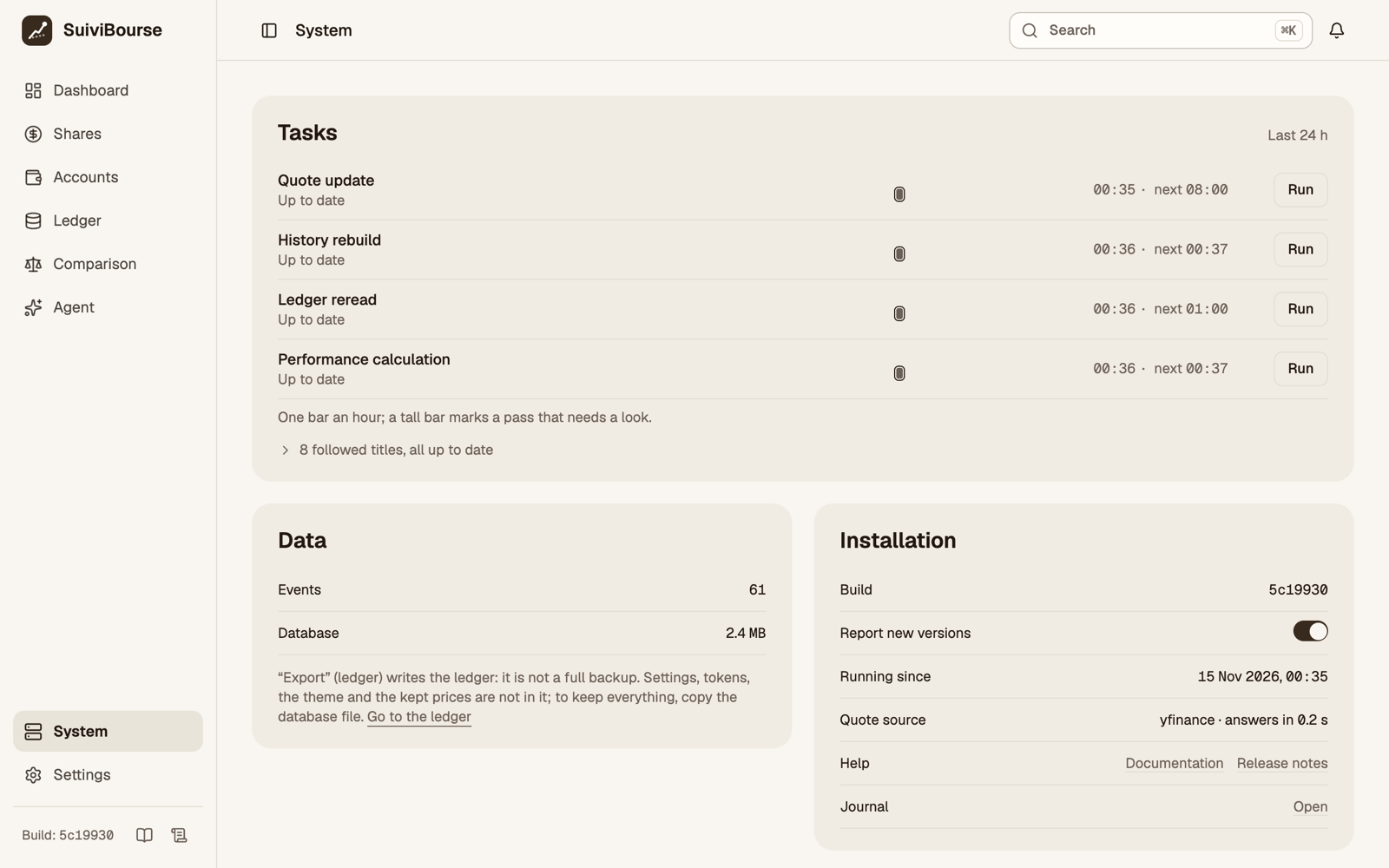
Tasks
| Task | What it does | When it runs |
|---|---|---|
| Quote update | Fetches the current price of each security you hold | Every 2 minutes while its market is open (Quote frequency) |
| History rebuild | Fetches past prices and thins out old ones | Every minute (Recalculation frequency) |
| Ledger reread | Replays your events into positions | After every change to the ledger, and at midnight UTC |
| Performance calculation | Computes values and returns | Every 2 minutes, and after every change to the ledger |
Each row shows:
- its state: Up to date, Needs a look, Failing, Idle or Never run;
- one bar per hour over 24 hours, tall when a run needs a look;
- its last and next run;
- Run, which starts it now.
The history survives a restart.
Under the rows, each followed security reads up to date or frozen since a time. The list opens by itself when one is frozen.
Set the cadences in Settings → Advanced. See How prices are collected.
Rebuild in progress
While past prices are being fetched, a Rebuild in progress band above the tasks names the account furthest behind and the share of the period covered. See Rebuild and resolution.
Data
- Events: the number of events in your ledger.
- Database: the size of the database file.
- Orphan histories: prices of securities no event names. Purge deletes them; they are fetched again if the security returns.
The ledger's Export saves your events only. For a full backup, see Back up and update.
Installation
| Row | What it shows |
|---|---|
| Version | The running version, and x.y.z available when a newer release is out. A build from a commit shows Build instead. |
| Report new versions | Turns the release check on or off. |
| Running since | When the container last started. |
| Quote source | Where prices come from, and its response time. |
| Journal | Open goes to the journal. |
Journal
The journal, at /system/logs, lists what the app logged.
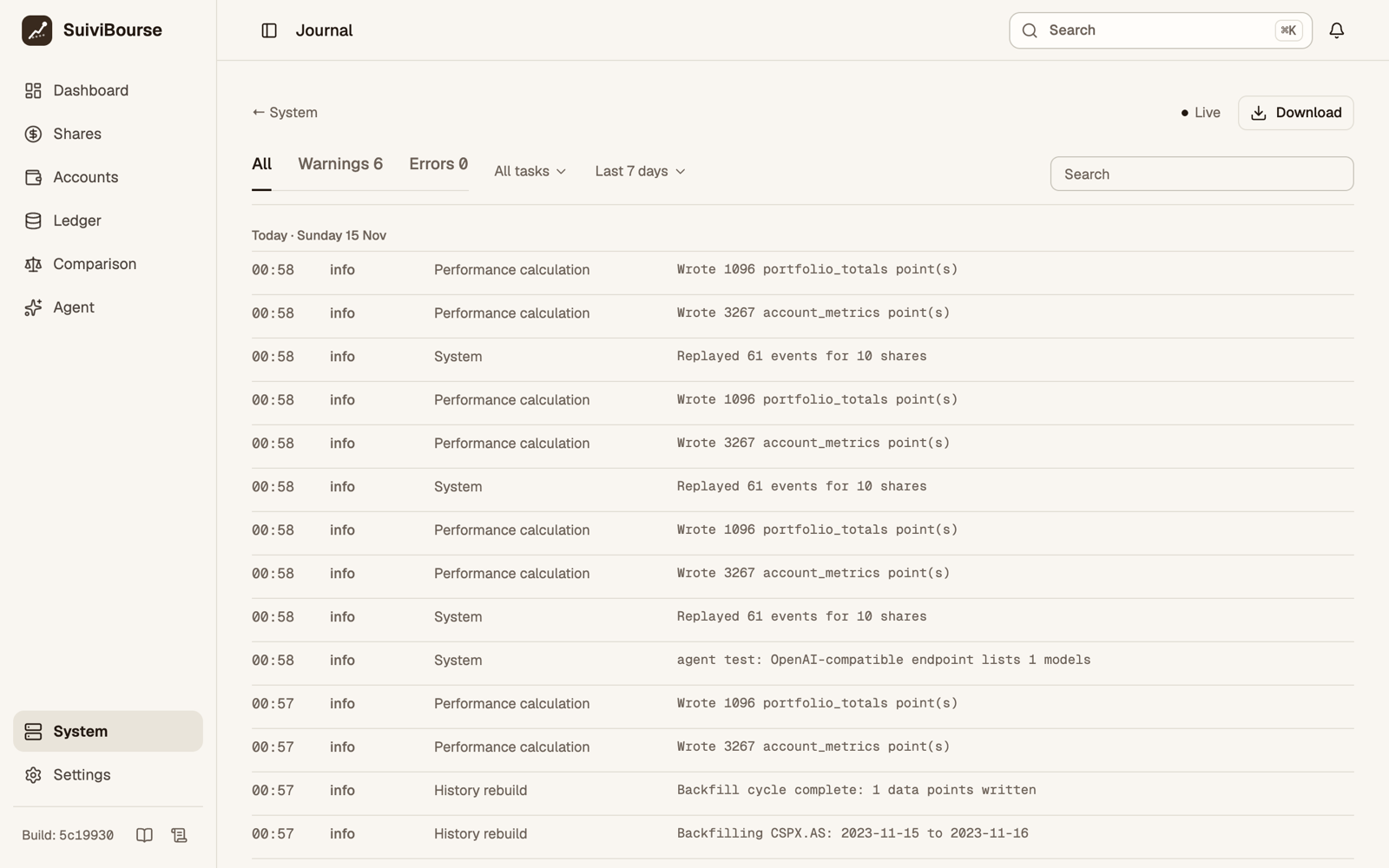
Narrow it with the All, Warnings and Errors tabs, the Task and Period filters and Search. detail on a line shows the full error.
The page shows the latest 5,000 lines kept in memory. Live adds new lines as they arrive; press it to pause. Download saves the last 7 days of logs.
The notifications bell
The bell at the top right takes the colour of the app's state. It is neutral when everything runs and red when the app does not answer. It takes the attention colour when a task needs a look or the history is being rebuilt.
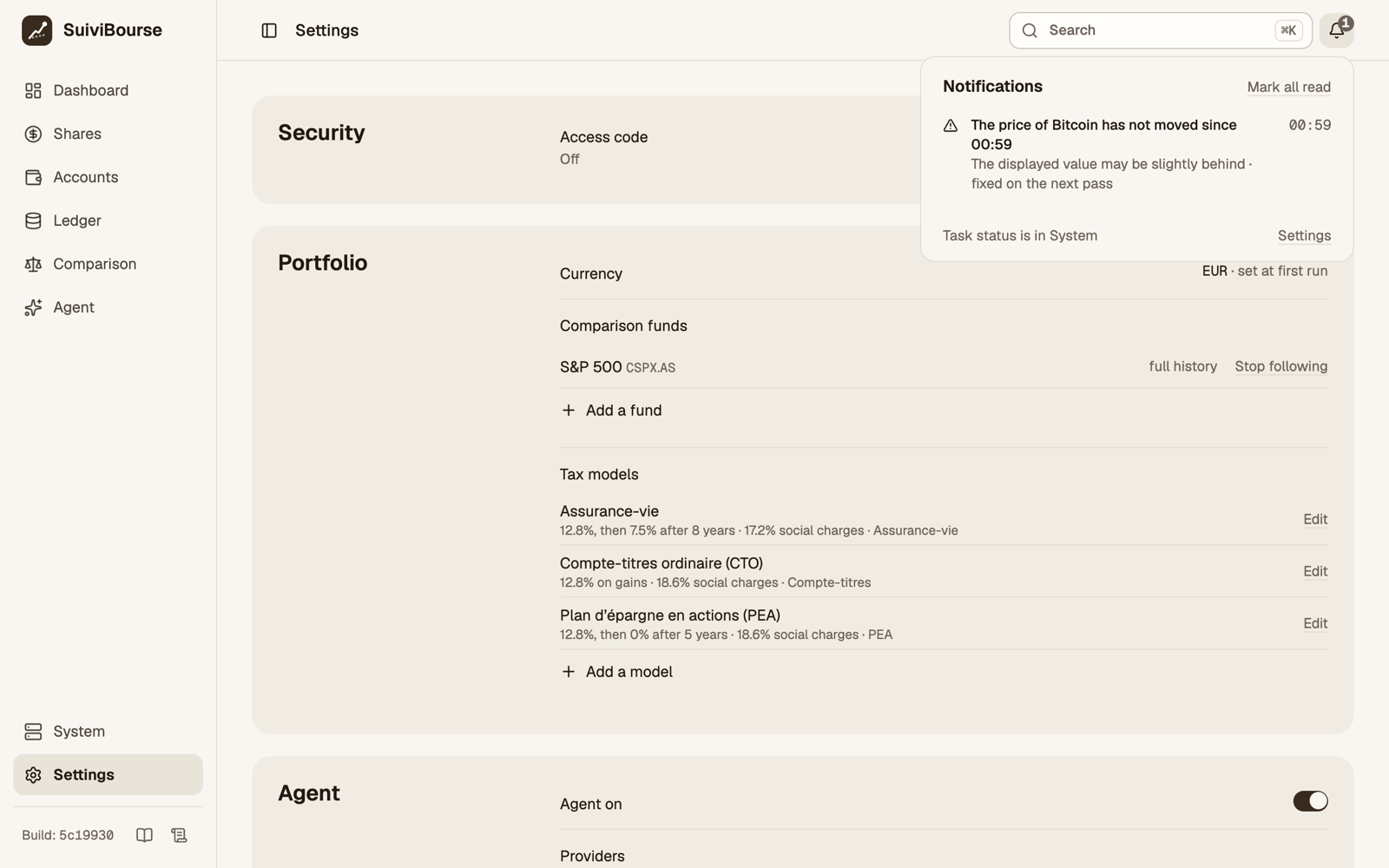
Its list holds what concerns your figures, such as a price that has not moved or a security with no price. When the list is empty but a task needs a look, the panel links to the System page with See it in System.
Monitor with /health
Three endpoints answer without an access code or token.
| Endpoint | Answers 200 when | Use it for |
|---|---|---|
/healthz | The process answers | A liveness probe |
/readyz | The database answers and the scheduler runs | A readiness probe |
/health | The database answers; the body describes each task | The container health check, and you |
Otherwise they answer 503. A task in trouble never changes the code of
/health: read its body.
To get a message when a task fails, add a channel with the Errors scope in Settings → Notifications. See Settings.
curl -s http://localhost:8080/health
{
  "status": "attention",
  "now": "2026-11-14T15:00:00+00:00",
  "scheduler_running": true,
  "jobs": {
    "scrape": {"status": "attention", "at": "2026-11-14T14:59:12+00:00",
               "verdict": "frozen", "held": 12, "closed": 0, "attention": ["ABCD.PA"]},
    "backfill": {"status": "ok", "at": "2026-11-14T14:58:40+00:00",
                 "verdict": "running", "complete": 7, "in_scope": 12, "attention": []},
    "performance": {"status": "ok", "at": "2026-11-14T14:58:41+00:00",
                    "verdict": "ran", "error": null}
  }
}
status is attention if a task is in attention or the scheduler has
stopped, unknown if no task has run yet, and ok otherwise. at is a
task's last run; attention lists the securities concerned.
Verdicts
| Task | verdict | status | What to do |
|---|---|---|---|
scrape | open, closed | ok | Nothing. The worst security sets the verdict. |
scrape | failing | attention | A fetch failed. Wait: it retries three times at the normal cadence. |
scrape | backoff | attention | More than three failures. Check the symbol. |
scrape | frozen | attention | The stored price stopped moving. See frozen prices. |
scrape | write_failed | attention | The price could not be saved. Read the Journal. |
backfill | running | ok | Wait. |
backfill | complete | ok | Nothing. |
backfill | failing | attention | Check the listed symbols and the Journal. |
backfill | unconvertible | attention | No exchange rate exists for a listed security's currency. |
performance | ran | ok | Nothing. |
performance | failed | attention | Read error and the Journal, then press Run. |
| any | unknown | unknown | Not run since the start, or nothing to work on yet. |
Ledger reread shows on the System page only.